Topstep Promo Code 2026: Code Status, Verification Steps & Offer Details
Check the current status of any Topstep promo code for 2026. Learn how to verify a code at checkout, what it may apply to, and what rules to review first.
If you are searching for a Topstep promo code for 2026 before completing a purchase, this page is built to help you do one thing: confirm whether a code is active, understand what it is likely to apply to, and avoid wasting time on expired or misapplied discounts. No code on this page is marked as verified unless confirmed data supports that status. If you have a code string from a third-party site, the steps below will walk you through checking it yourself at Topstep’s checkout before you commit to a payment.
For a broader look at how Topstep structures its accounts and fees, see the PropCatalog reviews hub and the pricing guide. If you are still deciding which challenge format suits your trading style, the challenge types guide covers the key structural differences across funded account programs.
Current Code Status
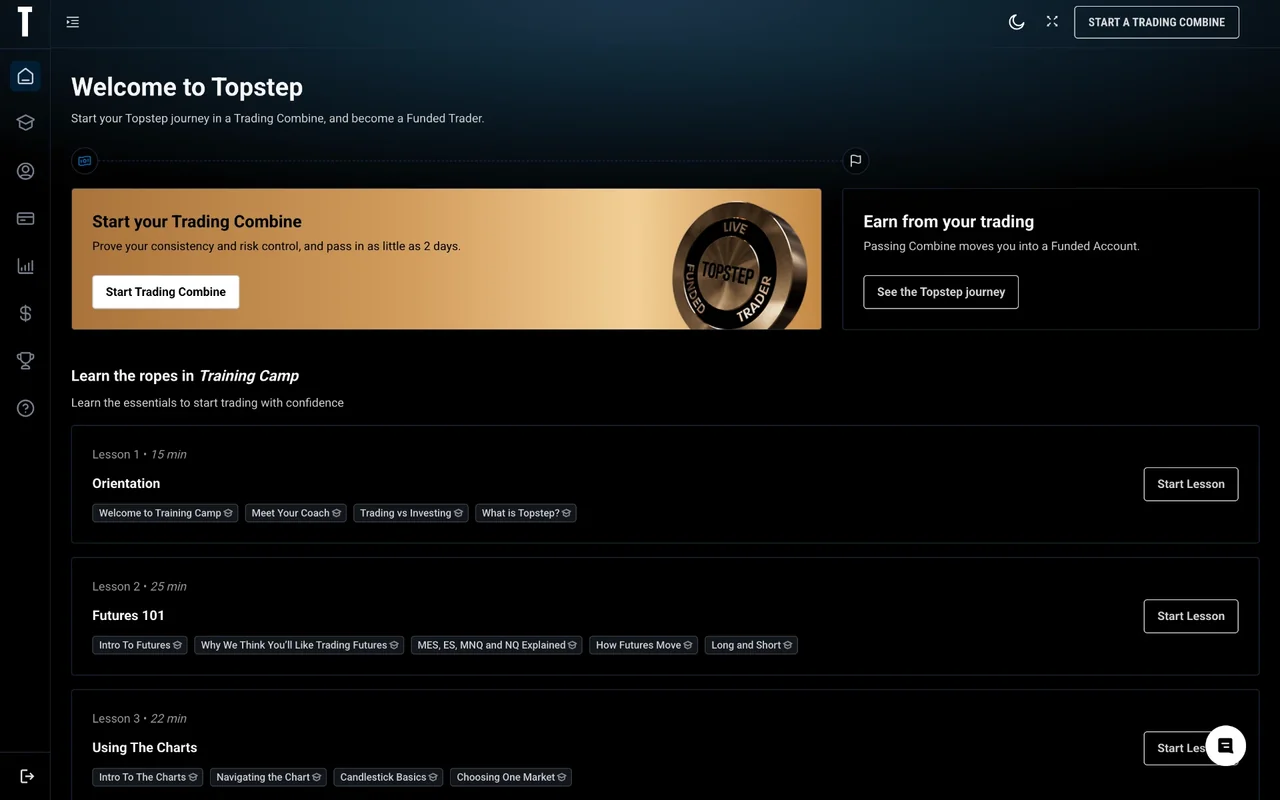
As of the time this page was last reviewed, no specific Topstep promo code has been independently verified by PropCatalog for 2026. That does not mean no active codes exist. Topstep runs promotional periods throughout the year, including seasonal sales, anniversary events, and limited-time discounts tied to specific account sizes. What it does mean is that any code you have found on a coupon aggregator, forum post, or social media thread should be treated as unconfirmed until you test it at checkout yourself.
Code status changes frequently. A code that was valid last week may have expired. A code that appears on a third-party site may have been valid for a different region, a different account tier, or a promotional window that has since closed. The only authoritative source for whether a code is currently active is Topstep’s own checkout page.
| Code Status | What It Means for You |
|---|---|
| Verified Active | Confirmed working at checkout within the stated window. Apply before expiry. |
| Unverified / Unconfirmed | Found on a third-party source. Test at checkout before assuming it works. |
| Expired | Previously valid but no longer accepted. Do not rely on it. |
| Restricted | Valid only for specific account sizes, regions, or user types. Check terms. |
| No Code Required | Discount applied automatically at checkout during a sitewide sale period. |
Current PropCatalog status for Topstep 2026 codes: Unverified. Verify directly at Topstep’s checkout before purchasing.
How to Verify a Topstep Promo Code Before Checkout
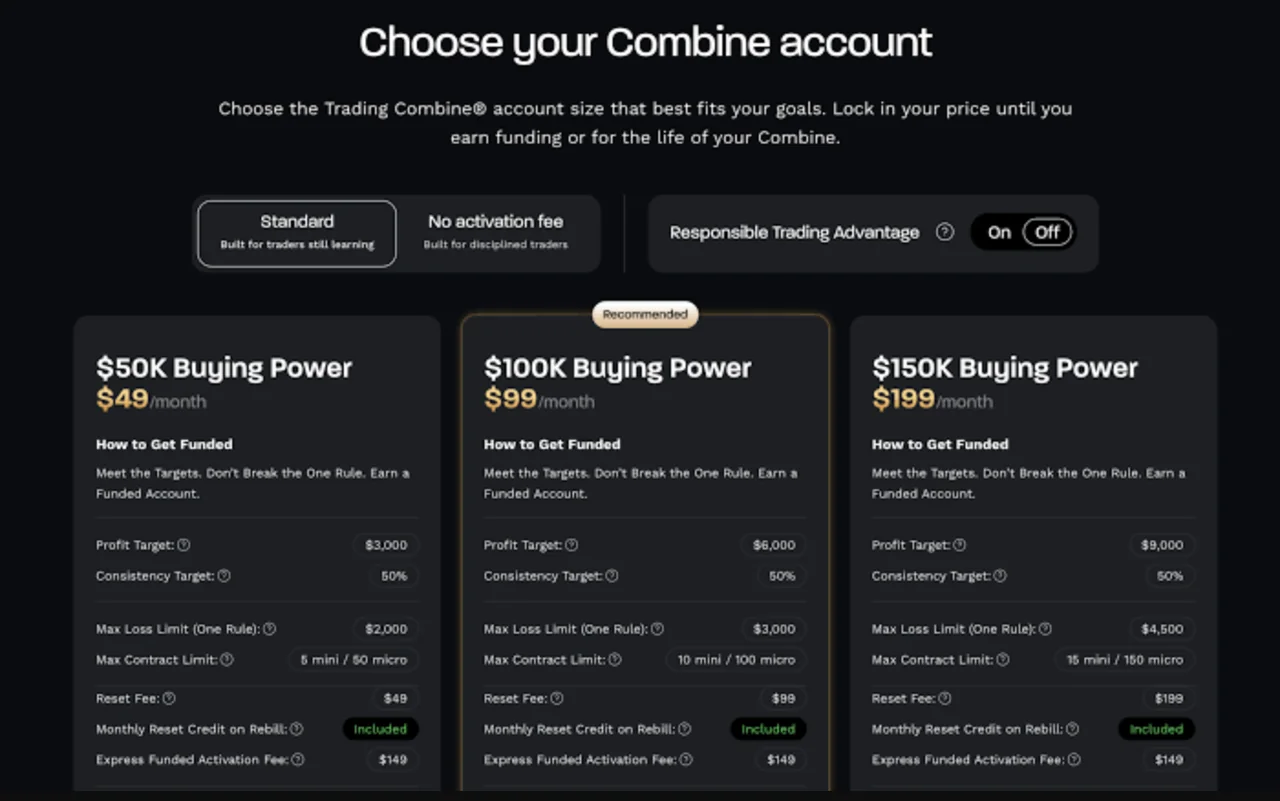
Verifying a code takes less than two minutes and prevents you from paying full price when a discount was available, or from assuming a discount applied when it did not. Follow these steps in order.
- Go directly to Topstep’s official website. Do not rely on cached pages or screenshots. Prices and promotional availability are updated on the live site.
- Select the account size you intend to purchase. Some codes are account-size specific. A code for one tier may not apply to another. Choose your intended account before entering any code.
- Proceed to the checkout or payment page. Look for a field labeled “promo code,” “discount code,” or “coupon code.” Not all checkout flows display this field on the first screen.
- Enter the code exactly as written. Codes are typically case-sensitive. Copy and paste rather than typing manually to avoid character errors.
- Check the order summary before confirming payment. If the code is valid, the discounted price should appear in the order total before you enter payment details. If the total does not change, the code is not applying.
- Do not complete payment until the discount is reflected. Once payment is processed, reversals or retroactive discounts are generally not available.
- If the code fails, check the terms. Some codes require a minimum purchase amount, apply only to first-time accounts, or exclude renewal purchases. Review any terms associated with the code source before assuming the code is simply expired.
Code Verification Checklist
- Code entered exactly as provided (no extra spaces, correct capitalisation)
- Correct account size selected before applying code
- Order summary shows updated price before payment
- Code terms reviewed for account-type or region restrictions
- Payment not submitted until discount is confirmed on screen
What a Topstep Promo Code May Apply To
Topstep’s promotional offers have historically varied in scope. Understanding what a code is likely to cover helps you decide whether it is worth pursuing for your specific purchase. The following reflects general patterns in how prop firm discount codes tend to be structured. Verify the exact scope of any current offer on Topstep’s checkout or promotional terms page, as PropCatalog does not have access to real-time offer data.
| Offer Type | Typical Scope | What to Check |
|---|---|---|
| Percentage discount | Reduces the subscription or challenge fee by a stated percentage | Whether it applies to all account sizes or selected tiers only |
| Fixed amount off | Removes a flat dollar amount from the checkout total | Minimum purchase threshold, if any |
| Free trial or reset | Provides a reset or trial period at no additional cost | Whether it applies to new accounts only or existing subscribers |
| Sitewide sale | Discount applied automatically without a code | Sale end date and whether stacking with a code is permitted |
| Account-specific offer | Applies only to one account size or challenge type | Which account the code was issued for |
If a code you have found does not specify its scope, treat it as account-size restricted until checkout confirms otherwise. Applying a code intended for one account tier to a different tier is a common reason codes appear to fail.
Rules and Exclusions to Check Before Buying
Discount codes at prop firms often carry conditions that are not prominently displayed on the coupon source. Before purchasing, review the following exclusion categories on Topstep’s own terms or checkout page. For a detailed breakdown of Topstep’s general account rules, see the PropCatalog rules guide.
Common Exclusions to Look For
- New accounts only. Many codes are issued for first-time purchases and will not apply to renewals, resets, or additional accounts on an existing profile.
- Single use per customer. Some codes are tied to an email address or account ID and cannot be reused after the first application.
- Expiry date. Codes issued during a promotional event typically expire when the event ends. Check whether the code source includes an expiry date.
- Geographic restrictions. Topstep’s availability varies by region. A code issued for one market may not apply in another.
- Non-stackable. If Topstep is running a sitewide sale, a separate promo code may not stack on top of the existing discount. Check whether the checkout allows both to apply simultaneously.
- Specific account sizes only. A code promoted alongside a particular account tier is often restricted to that tier. Applying it to a larger or smaller account may result in the code being rejected.
- Subscription vs. one-time purchase. If Topstep offers both subscription-based and one-time payment options, confirm which payment structure the code applies to.
If none of the above exclusions explain why a code is not working, contact Topstep’s support directly with the code string and your account details. Support teams can confirm whether a code is valid for your specific situation faster than any third-party source.
Best Account Type to Pair With a Discount Code
Not all account sizes benefit equally from a percentage-based discount. A 20% reduction on a higher-tier account saves more in absolute terms than the same percentage on an entry-level account. However, the right account size for you depends on your trading plan and risk tolerance, not on which account produces the largest nominal saving from a code.
The following considerations are relevant when deciding which account to purchase if you have a working code and flexibility on account size. For a full breakdown of how Topstep’s account tiers compare, visit the PropCatalog pricing guide.
Factors to Weigh When Pairing a Code With an Account
- Does the code apply to all account sizes? If yes, calculate the absolute saving at each tier and compare it against the monthly cost difference between tiers.
- Are you ready for the drawdown rules at a larger account? A discount on a larger account is not a reason to move up a tier if your trading strategy is not suited to the associated rules. Check the rules for each tier before deciding.
- Is this a first purchase or a reset? If the code applies only to new accounts, it is relevant only if you are purchasing for the first time or opening a new account profile.
- What is the challenge structure at each tier? Account size affects profit targets, drawdown limits, and minimum trading day requirements. A discount does not change these structural rules. Review the challenge types guide for context on how these differ.
If the code is restricted to a single account size, the decision is straightforward: either that account fits your plan or it does not. Do not purchase an account that does not match your trading approach simply because a code makes it cheaper.
When Not to Use a Discount Code
A discount code reduces the upfront cost of a challenge account. It does not change the trading rules, the profit targets, the drawdown limits, or the evaluation structure. There are situations where applying a code and proceeding with a purchase is not the right decision, regardless of the saving available.
Situations Where a Code Should Not Drive the Purchase Decision
- You have not reviewed the current rules. If you are not familiar with Topstep’s current trailing drawdown mechanics, minimum trading day requirements, or consistency rules, a discount does not make the account more suitable. Read the rules first.
- You are purchasing a larger account than your strategy supports. A code that makes a larger account cheaper is not a reason to trade a size you are not prepared for. Drawdown limits scale with account size, but so does the risk of failing the evaluation.
- The code is creating urgency you would not otherwise feel. If you were not planning to purchase this week and a “limited time” code is the primary reason you are considering it now, pause and assess whether the timing is right for your trading plan.
- You have not compared the offer against current sitewide pricing. Topstep occasionally runs sitewide sales that reduce prices automatically. If a sale is already active, a separate code may not provide additional savings. Check the base price before assuming the code adds value.
- You are relying on the discount to make the purchase affordable. Challenge fees should be treated as a cost you can absorb if the evaluation is not passed. If the purchase is only viable with a discount applied, reconsider the timing.
Alternative Deals to Compare
If no verified Topstep code is currently available, or if the code you have does not apply to the account you want, there are other ways to reduce the effective cost of a funded account evaluation. These are not substitutes for a working promo code, but they are worth reviewing before paying full price.
Options Worth Checking
- Topstep’s own promotions page or email list. Topstep periodically announces discounts through its own channels. Subscribing to their email list or checking their site directly during known promotional periods (end of quarter, Black Friday, platform anniversaries) is more reliable than third-party coupon sites.
- Sitewide sale periods. Some discounts are applied automatically without a code. If you are not in a rush, waiting for a confirmed sale period may produce a larger saving than an unverified code.
- Comparing account fees across firms. If Topstep’s current pricing does not fit your budget even with a discount, reviewing how other funded account programs structure their fees may be useful. The PropCatalog coupons hub covers discount availability across multiple firms.
- Reset pricing vs. new account pricing. If you already hold a Topstep account, check whether a reset is available at a lower cost than purchasing a new account. Reset pricing is sometimes discounted separately from new account promotions.
Comparing alternatives does not require committing to a different firm. It gives you a baseline for whether Topstep’s current pricing, with or without a code, represents reasonable value for the account structure you are evaluating.

Peter Fryers
Peter writes PropCatalog's firm reviews, pricing analysis, and cross-market comparison content.
FAQs
Is there a verified Topstep promo code for 2026?
As of this page’s last review, PropCatalog has not independently verified a specific active Topstep promo code for 2026. Codes found on third-party coupon sites should be tested at Topstep’s checkout before assuming they are valid. The only way to confirm a code is active is to enter it at checkout and check whether the order total updates before payment.
Where is the promo code field on Topstep’s checkout?
The promo code or discount code field is typically located on the checkout or payment summary page after you have selected your account size. If you do not see it immediately, proceed through the checkout flow as the field may appear on a subsequent screen. If you cannot locate it, Topstep’s support team can confirm where to enter a code for your specific account type.
Why is my Topstep promo code not working?
Common reasons include: the code has expired, the code applies to a different account size than the one selected, the code is restricted to new accounts and you already have an existing account, the code is case-sensitive and was entered incorrectly, or a sitewide sale is already active and the code cannot stack on top of it. Check each of these before concluding the code is invalid.
Can I use a promo code on a Topstep account reset?
This depends on the specific terms of the code. Many codes are issued for new account purchases only and do not apply to resets or renewals. Check the terms associated with the code source, and if unclear, verify with Topstep’s support before purchasing a reset at full price.
Does Topstep run regular sales where no code is needed?
Topstep has historically run promotional periods where discounts are applied automatically at checkout without requiring a code. These tend to coincide with seasonal events or platform milestones. Checking Topstep’s site directly during these periods is more reliable than searching for a code on third-party sites. PropCatalog will update this page when a confirmed sitewide offer is available.
Should I buy a larger account just because a promo code makes it cheaper?
No. Account size should be determined by your trading strategy, risk tolerance, and familiarity with the rules at that tier, not by the nominal saving a code produces. A discount on an account that does not suit your current trading approach does not make that account the right choice. Review the rules and challenge structure for any account size before purchasing, regardless of whether a code is available.